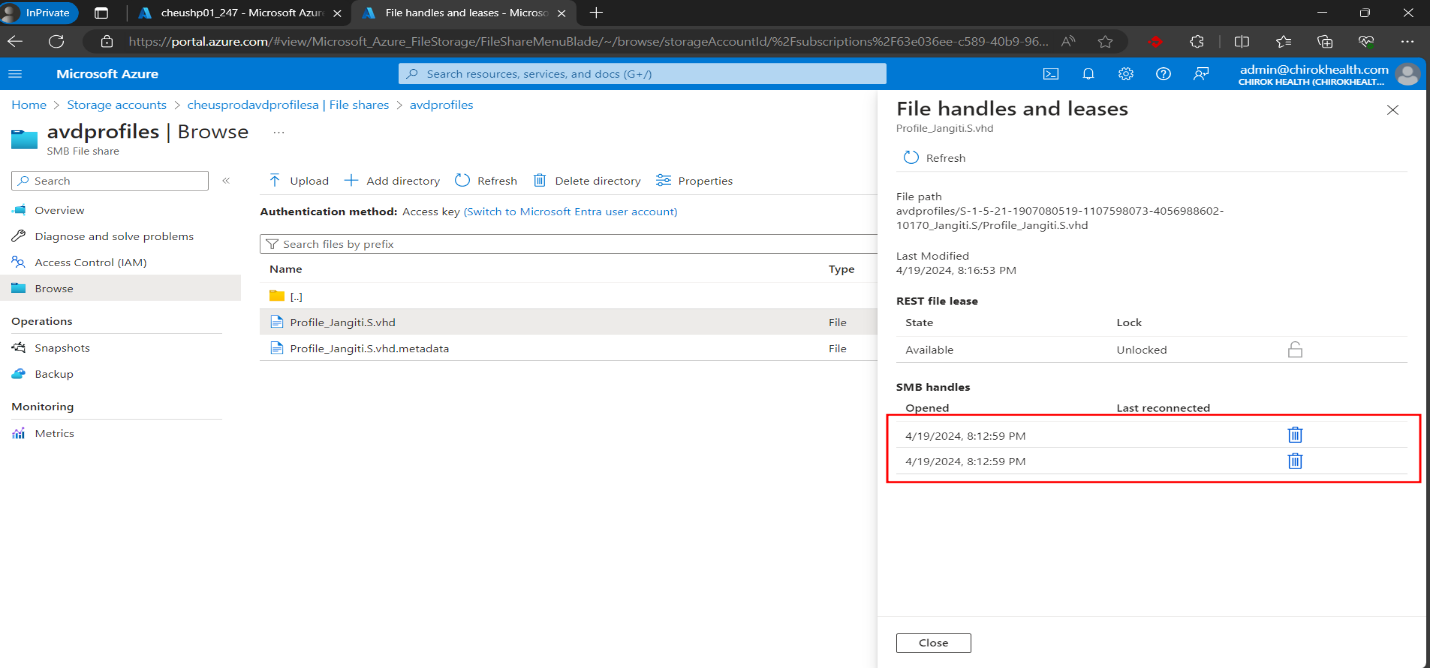
Error :-
The user profile failed to attach.
Error Snapshot:-
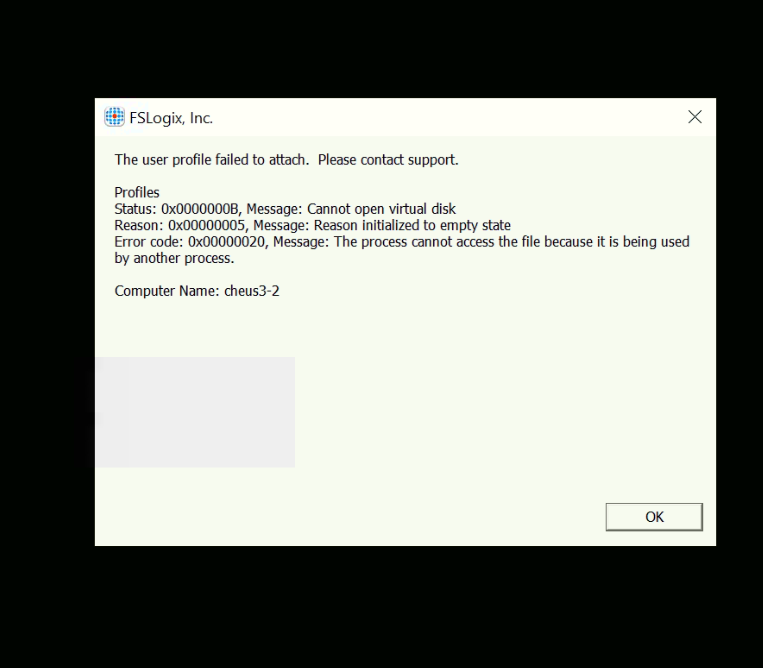
How to fix this ?
Step 1 :-
- Go to storage accounts.
- Choose storage account of tenant,
- Go to its File shares and then choose Avd profiles
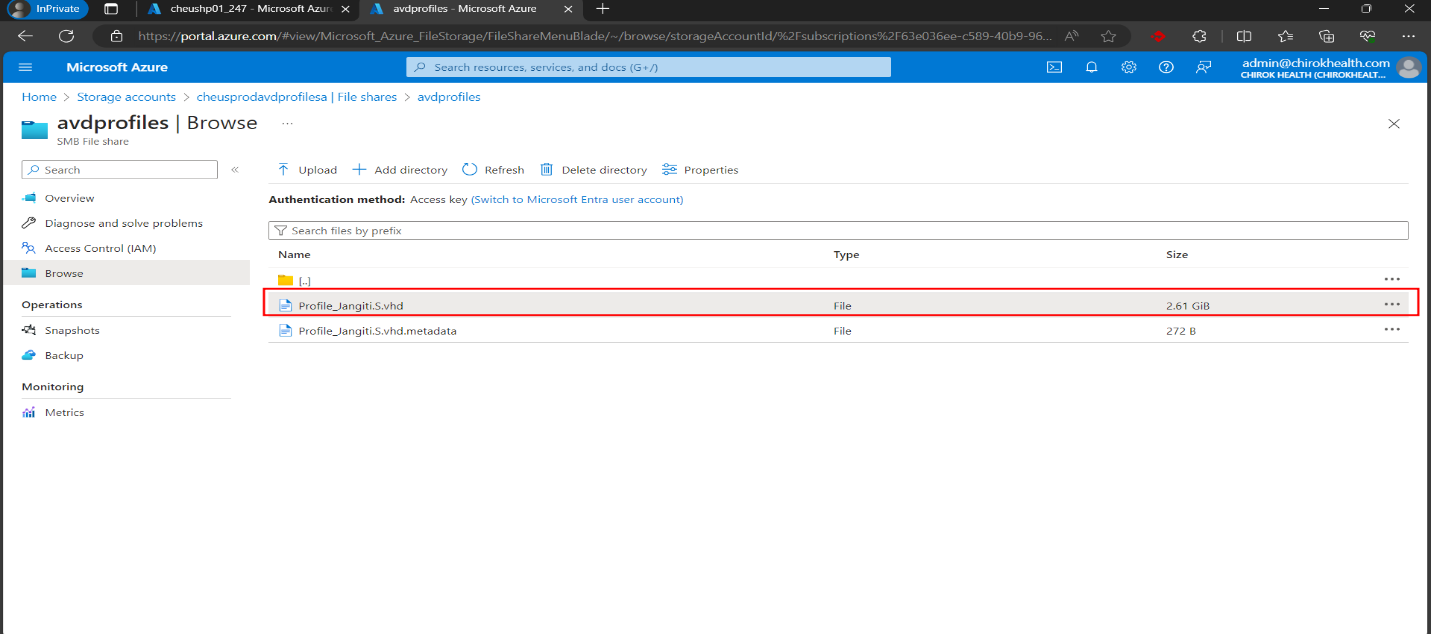
- From there go to Browse, search the customer name who is facing the problem.
Step 2 :-
- Click on the Customer profile as shown below in picture.
- From SMB handles delete the marked section shown below in picture.